 DayPilot
Explore the capabilities of DayPilot's JavaScript components for resource scheduling, appointment calendars, monthly planning, project timelines and Kanban workflows.
The screenshots show DayPilot Pro. Check the feature matrix for exact Lite and Pro availability.
Scheduler
Plan work across resources on a horizontal timeline with the Scheduler. Use it for bookings, shifts, equipment allocation and production schedules.
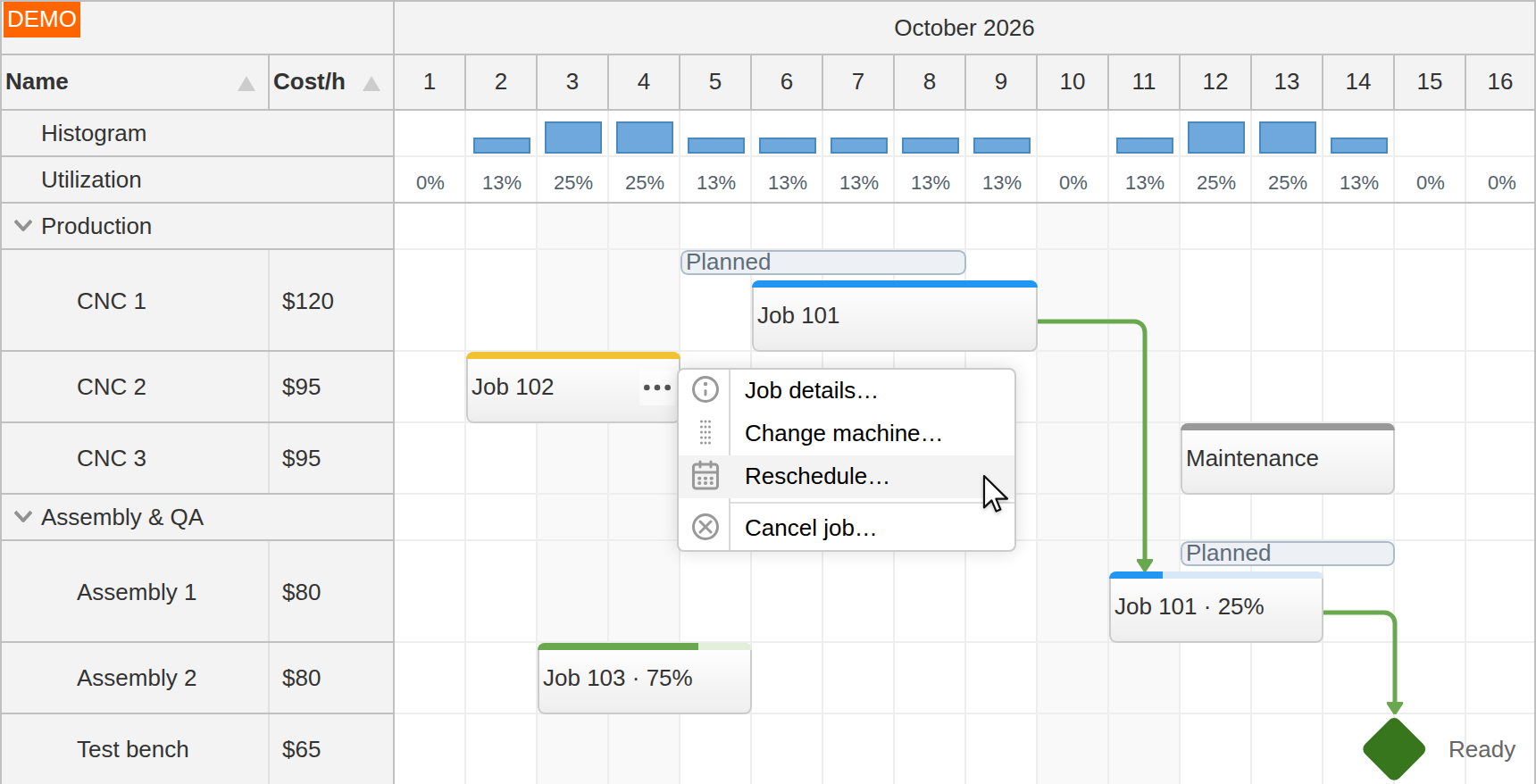
Drag and drop: create, move and resize events, apply validation and change several assignments together.
Resource management: grouped resource trees, row-header columns, sorting and frozen rows.
Timeline configuration: different time scales, custom headers and working-time layouts.
Larger schedules: progressive rendering, dynamic event loading and resource-tree loading.
Dependencies, milestones and resource utilization: show relationships, progress and workload.
Event content, cell appearance and editing workflows: adapt the interface to application data.
Timesheet view: dates as rows and hours across the timeline.
Calendar
Use the Calendar to schedule appointments with time running vertically. Display days or resources as columns, from a single working day to a wider planning view.
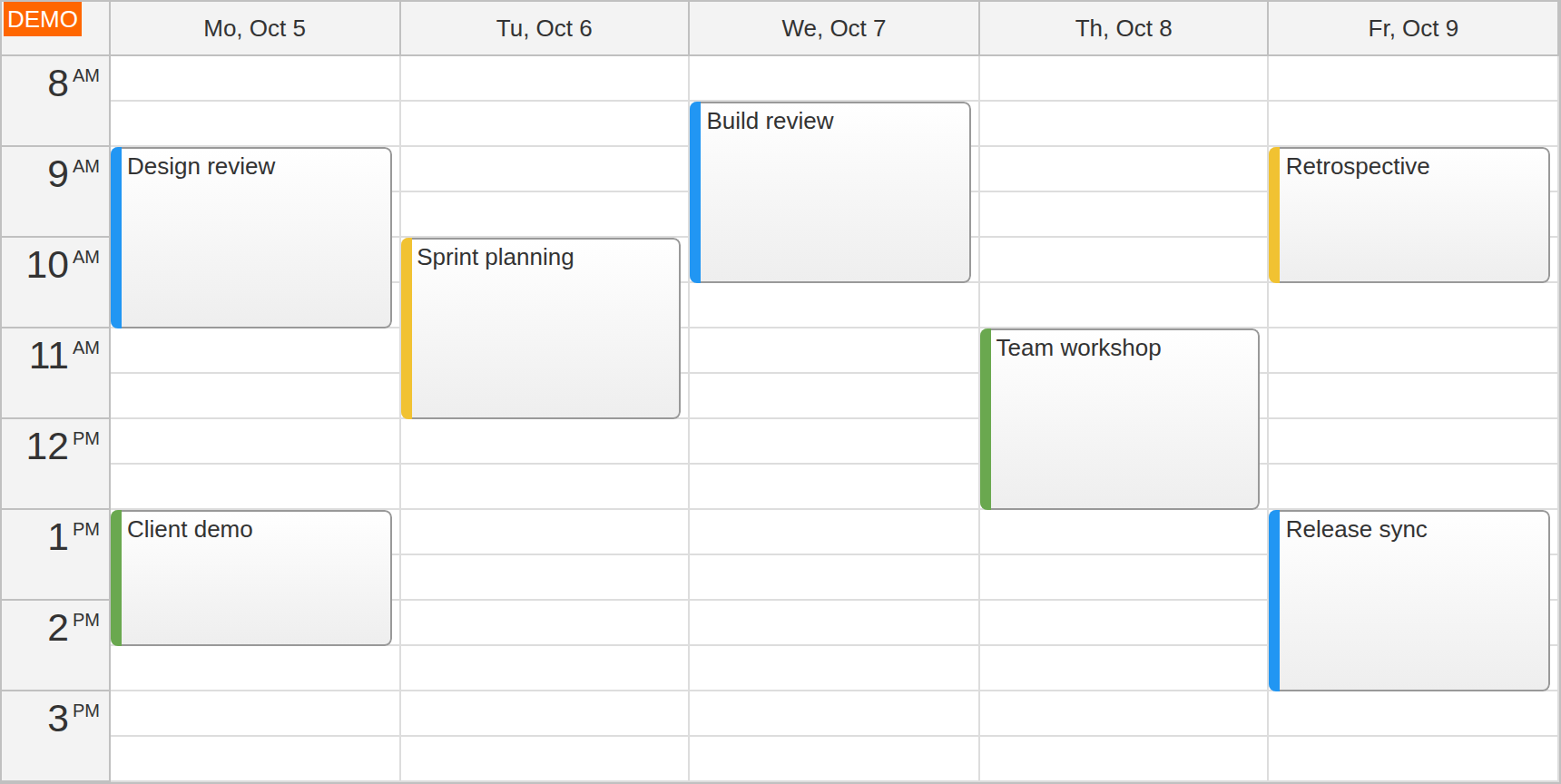
Day and week views: configure the visible dates, time slots and working-day range.
Resource calendar: arrange people, rooms or equipment in columns; use grouped headers and column controls where needed.
Drag-and-drop editing: create, move and resize appointments, with application-controlled validation and saving.
Availability: show business hours and customize individual cells to reflect working time and restrictions.
Event customization: show status, details and actions inside appointments.
Yearly view: months as columns for longer-range date planning.
Month
The Month component displays date-based plans in a month grid, with events spanning individual days or longer ranges.
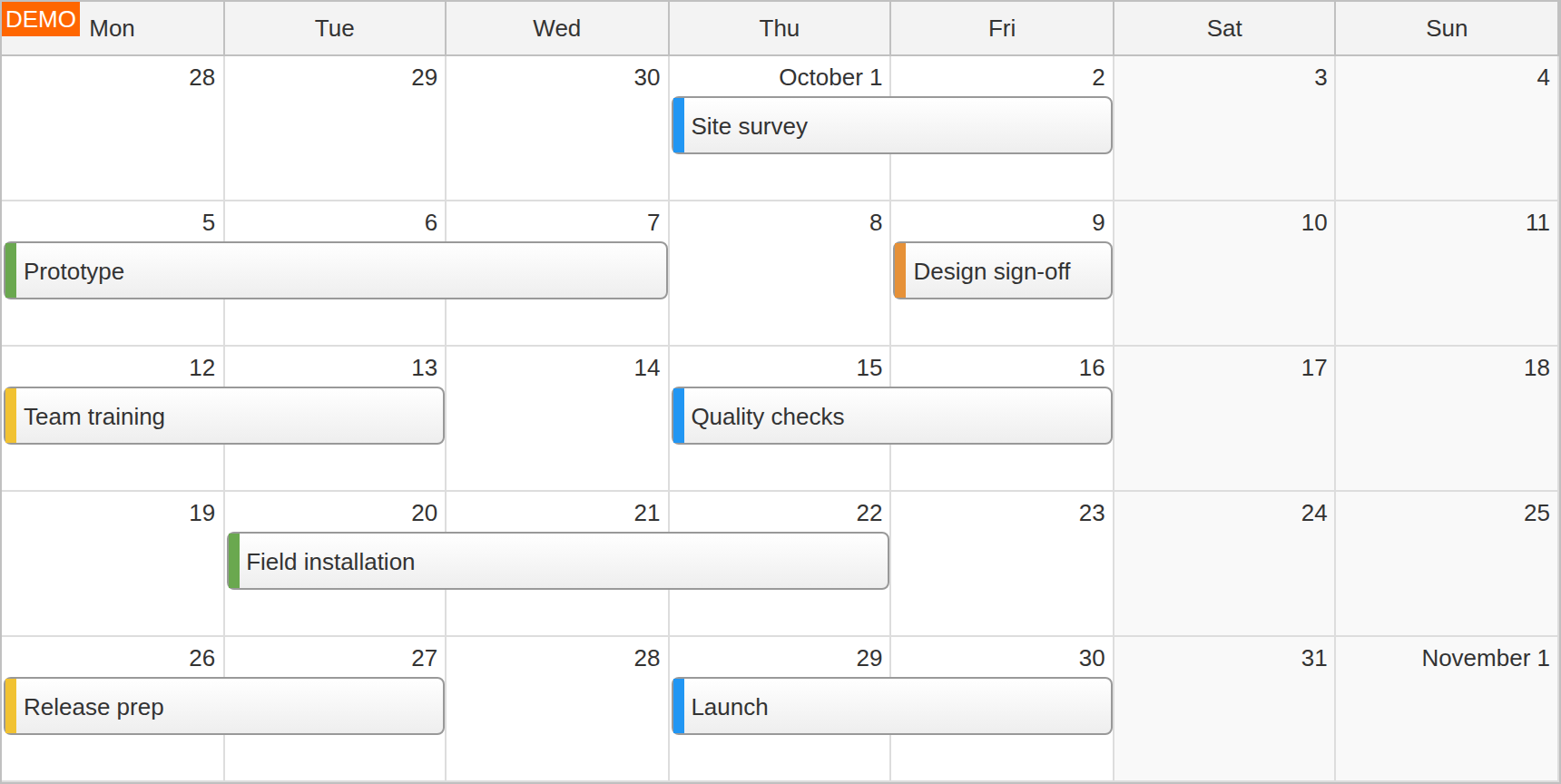
Month and week ranges: show a full month or a selected number of weeks.
Drag-and-drop editing: move and resize events across dates.
Event appearance: customize content and colors, with contextual actions and details.
Busy days: display stacked and overlapping events while keeping the date grid readable.
Gantt
Build a project timeline with one task per row using the Gantt component. Show how tasks fit together and how the plan is progressing.
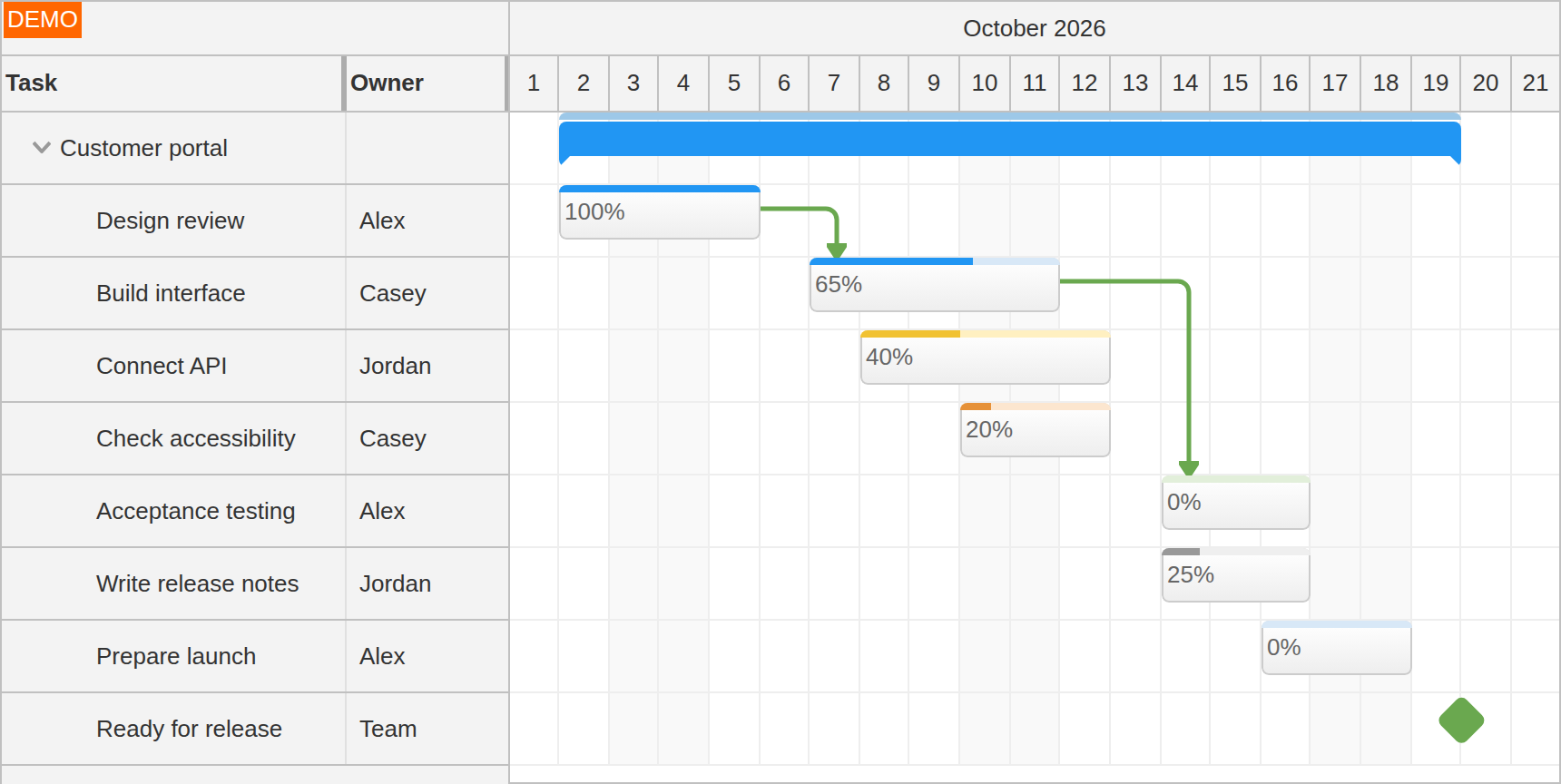
Task hierarchy: groups, subtasks and task-header columns.
Dependency links: connect tasks and make the relationships visible on the timeline.
Milestones and progress: mark key dates and show task completion.
Interactive planning: move and resize tasks, customize their appearance and connect changes to your backend.
Kanban
Organize work as task cards in status columns with Kanban. Add swimlanes to separate teams, categories or work streams.
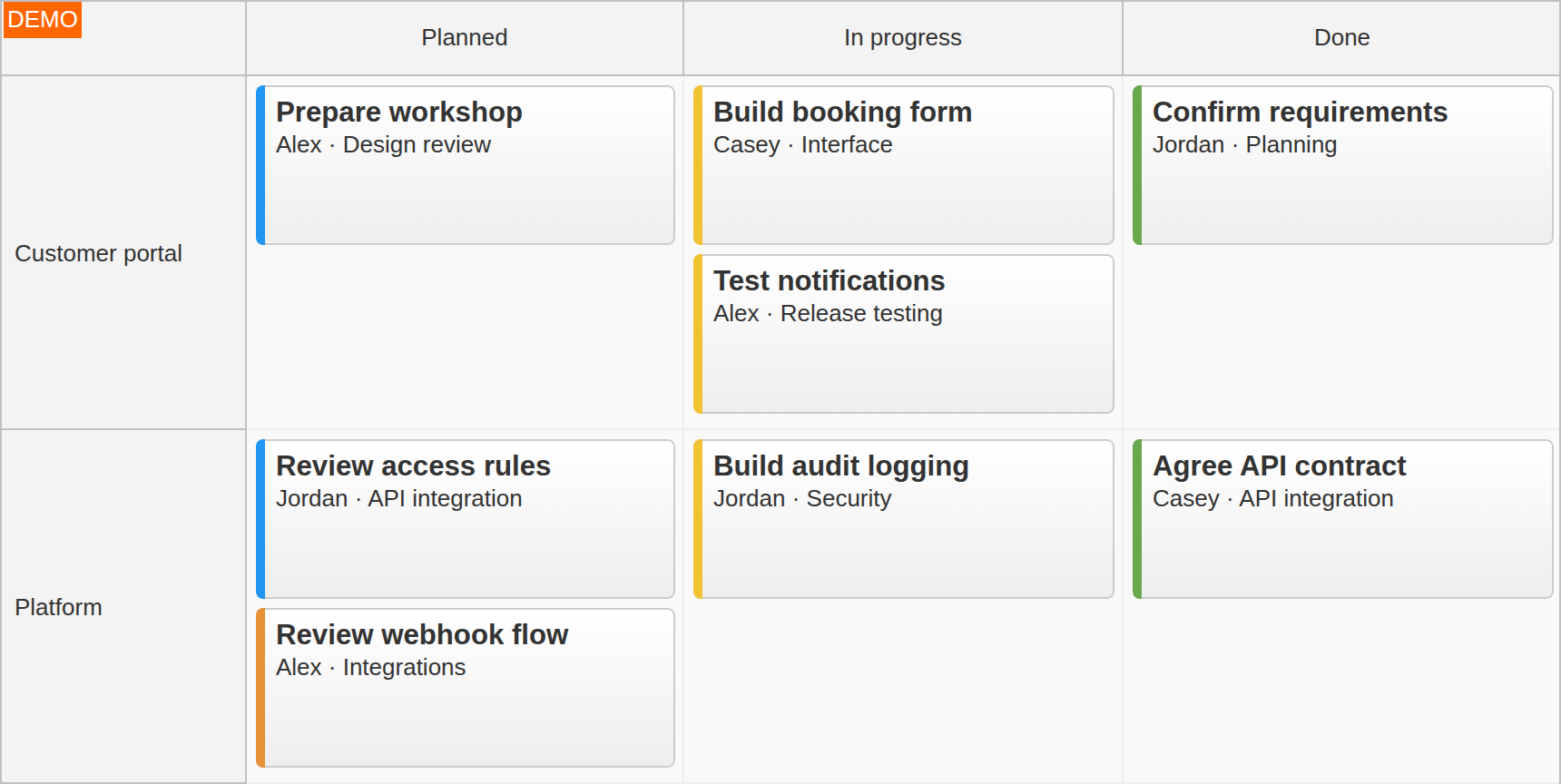
Drag-and-drop workflow: move cards between columns and swimlanes.
Card customization: display application-specific content, colors and actions.
Supporting components
Queue — Keep unscheduled work in a separate list and drag it onto the schedule.
Navigator — Add a date picker for switching the visible day, week or month.
Modal — Collect event details in a dialog, using a simple prompt or a form.
For a starting configuration, use the UI Builder. For a visual theme, try the Theme Designer.
Lite and Pro
DayPilot Lite provides open-source Scheduler, Calendar, Month and Navigator components under the Apache License 2.0. DayPilot Pro adds advanced capabilities and additional components, including Gantt and Kanban.
Check the feature matrix for exact availability, or try DayPilot Pro with your application's requirements.