 DayPilot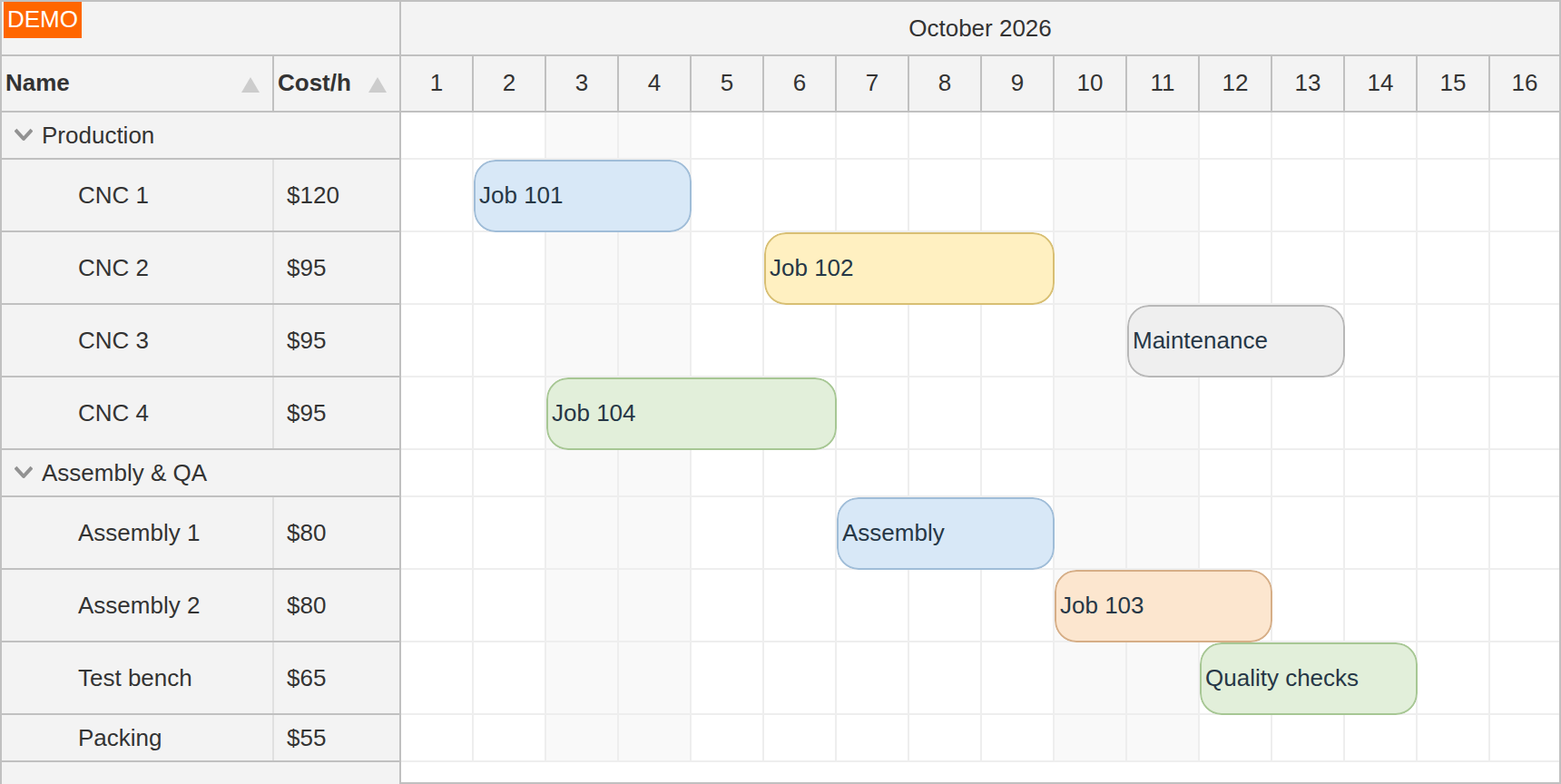
Horizontal timeline
LiteProPlan bookings, shifts and jobs across people, rooms or equipment. Resources run down the side; time runs across the top.
Scheduler component
DayPilot for JavaScript
Build calendars, resource planners and project timelines with DayPilot. Use JavaScript or TypeScript, or work with components for Angular, React and Vue.
Start with the layout your users recognize. Configure the time range, appearance and interactions, then connect the view to your application's data.
Plan bookings, shifts and jobs across people, rooms or equipment. Resources run down the side; time runs across the top.
Scheduler component
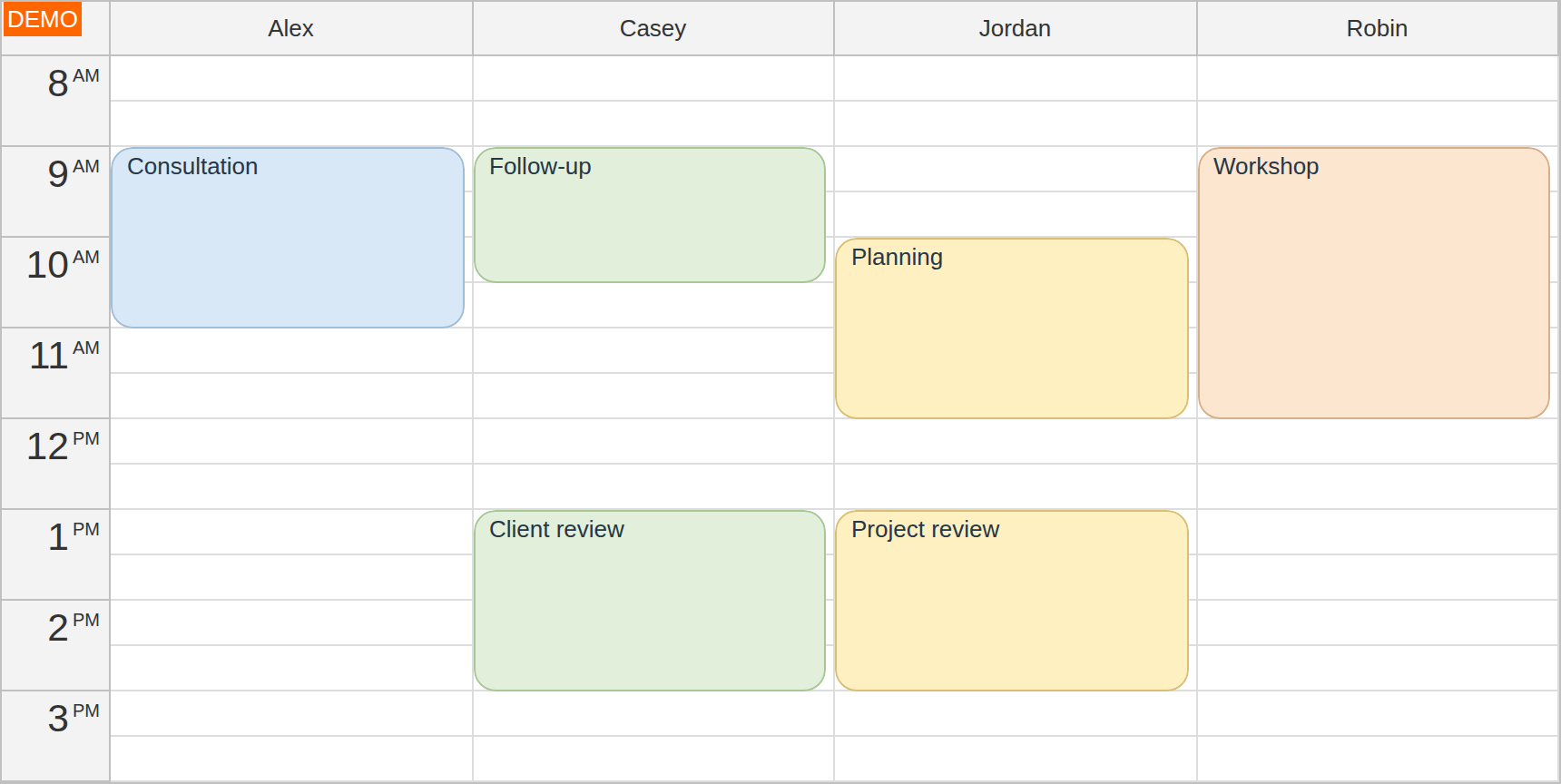
See a day's appointments for several people or places side by side. Each resource has its own column on a shared time axis.
Calendar component
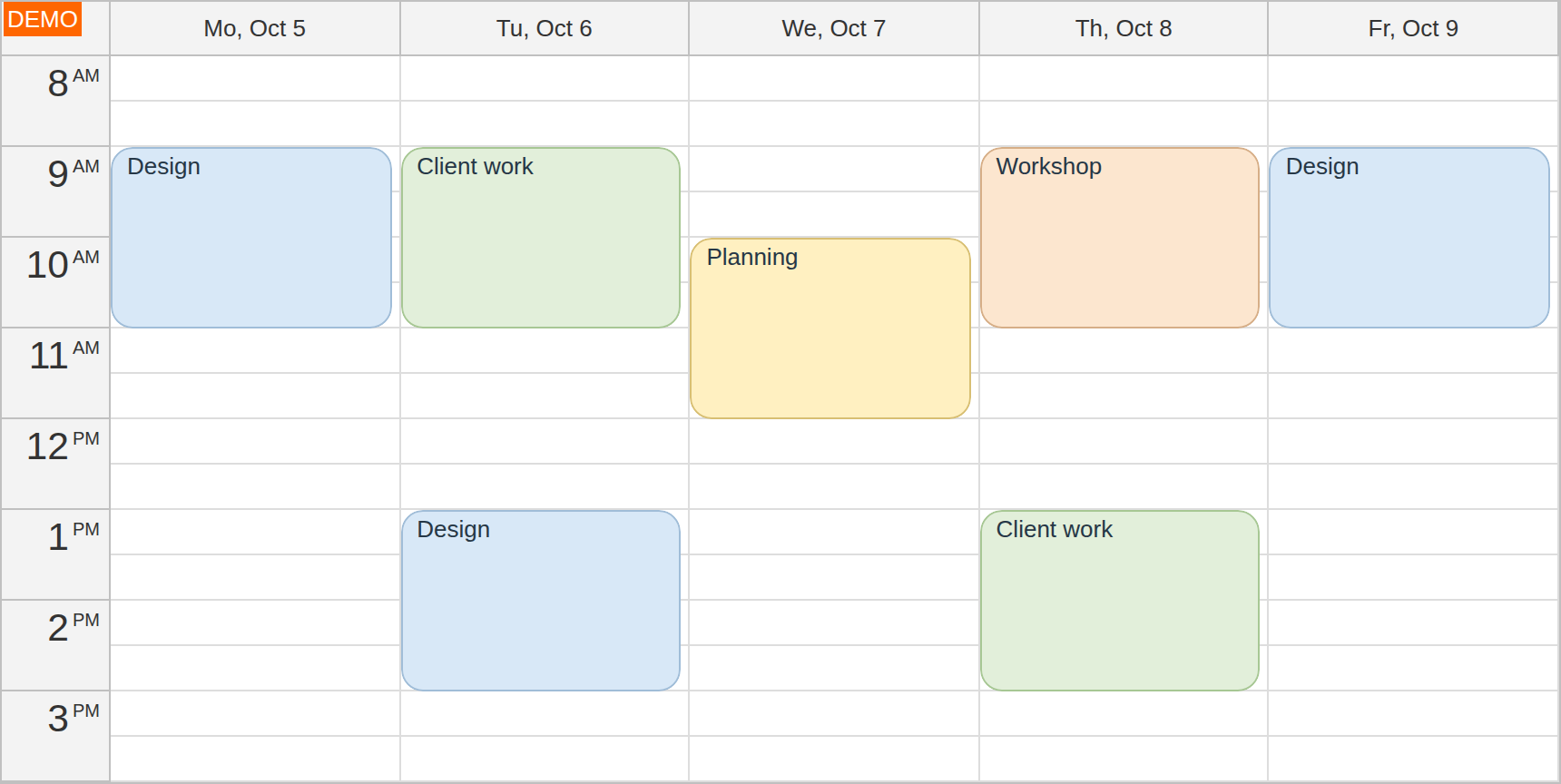
Give appointments a familiar home. Show one day, a working week or a custom range, with time running down the page.
Calendar component
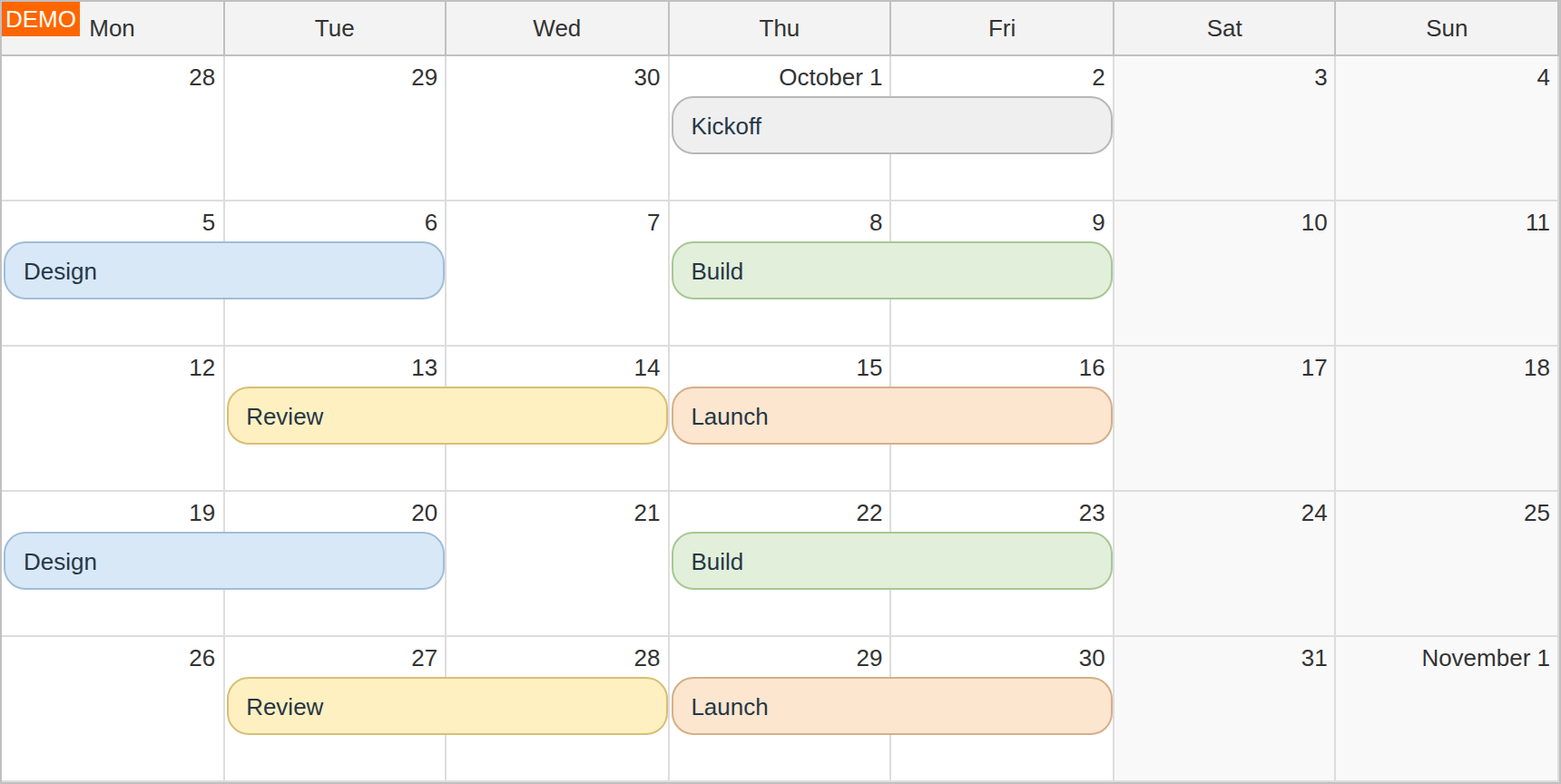
Plan across dates rather than hours. Display one-day and multi-day events in a month grid, with room for overlapping activities.
Month component
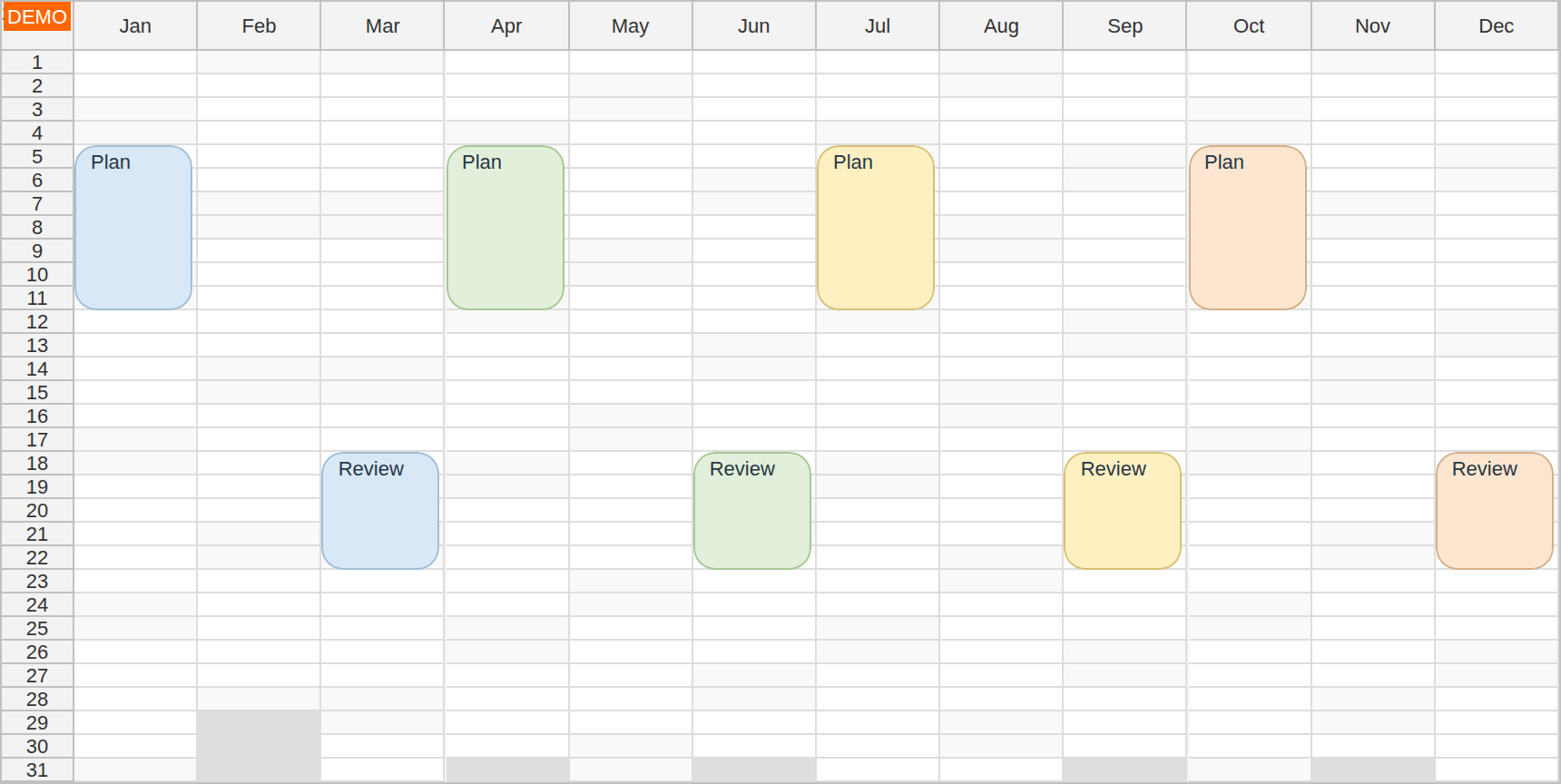
Bring the year into one view. Compare dates across months for leave, availability, recurring activities and longer-term plans.
Calendar component
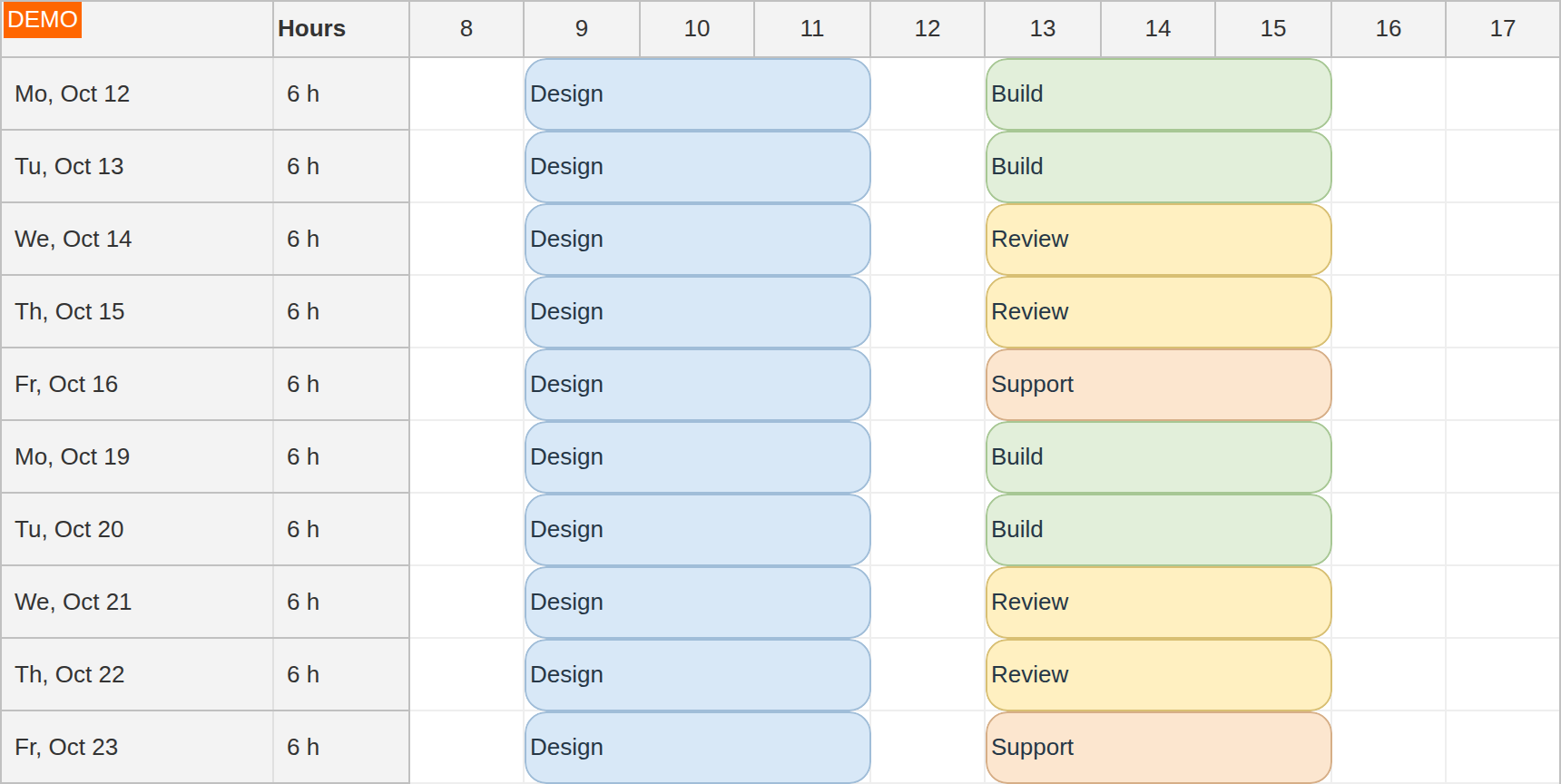
Show how the working day is spent. Put dates in rows and hours across the top to review activities, assignments and recorded time.
Scheduler component
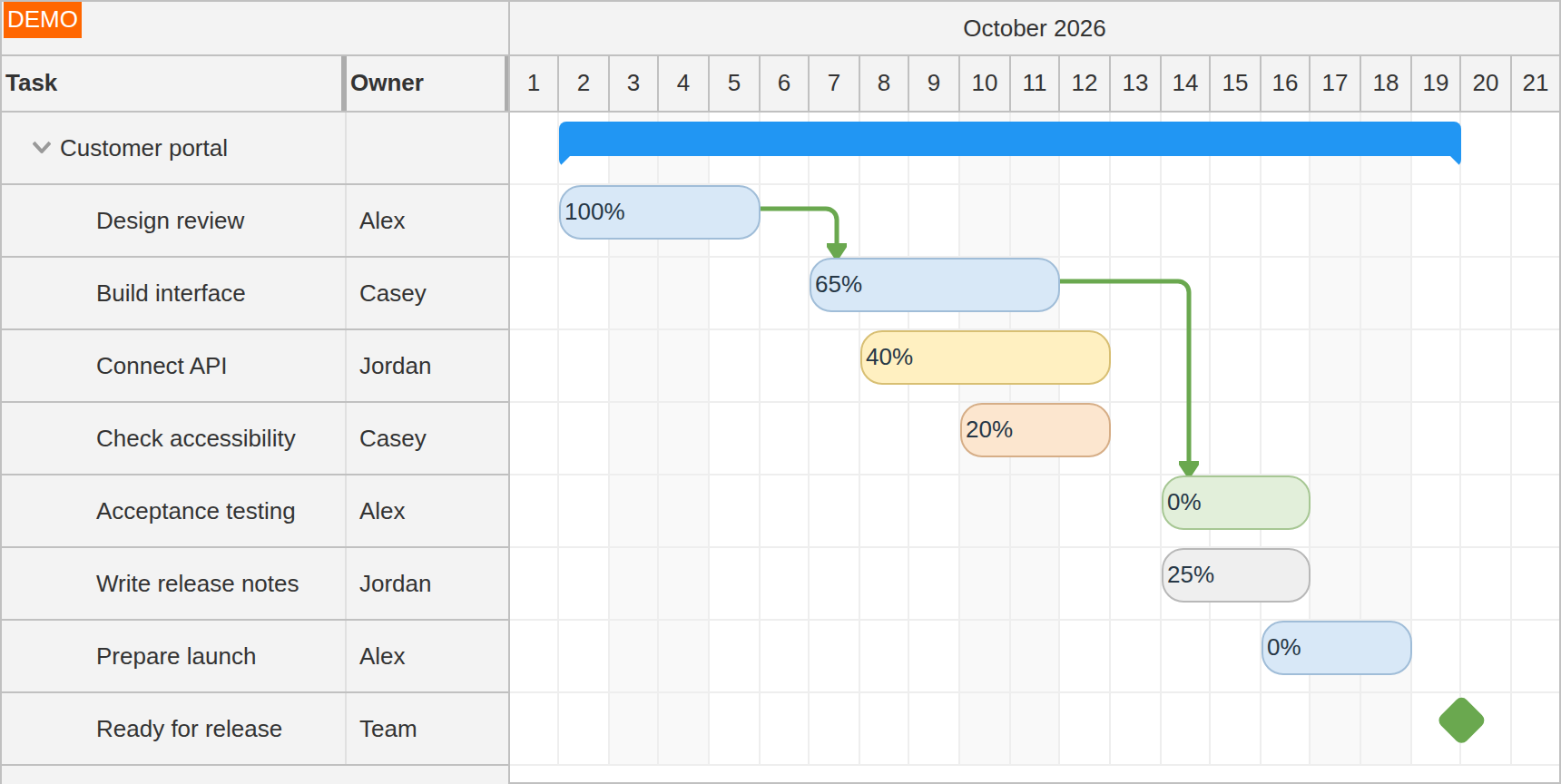
Follow a project from task to task. Show hierarchy, dependencies, milestones and progress on a shared timeline.
Gantt component
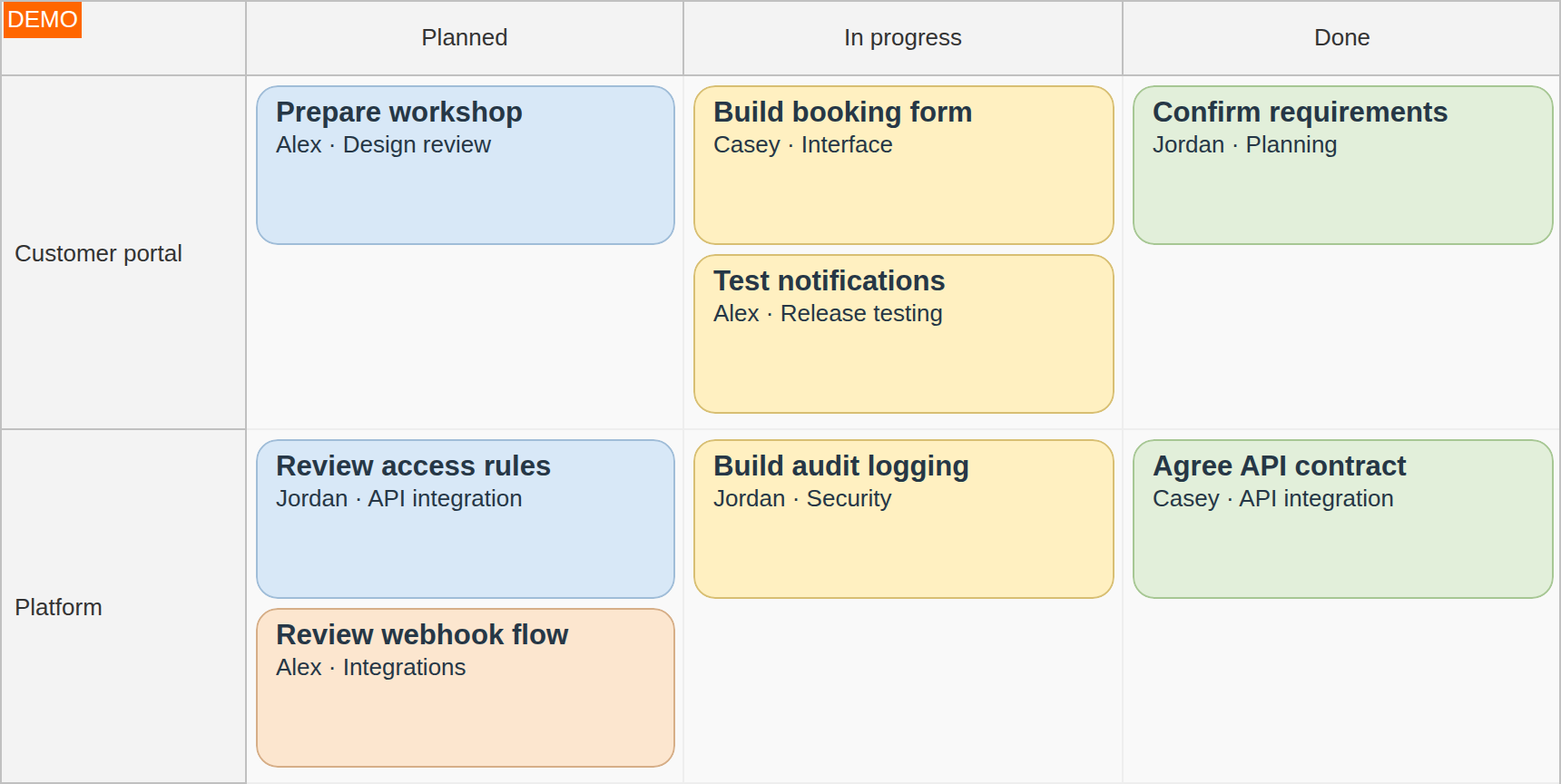
Follow work through its stages. Move task cards between status columns and group them into swimlanes when the workflow needs it.
Kanban component
Several views use the same underlying component. Browse components and capabilities, or check the Lite and Pro feature comparison for exact availability.
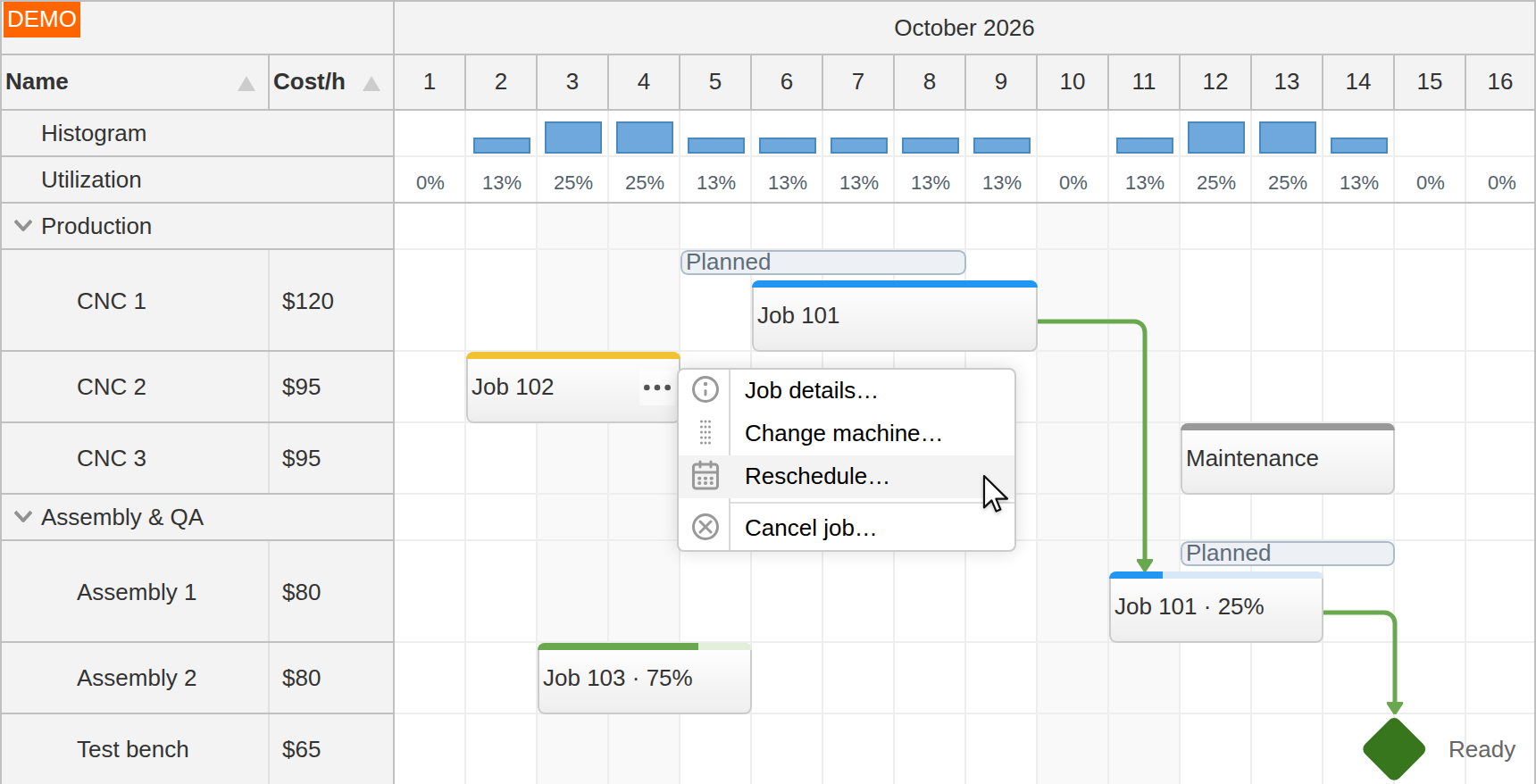
Keep a machine clear during maintenance, reject an overlapping booking, or explain why a technician is unavailable. In DayPilot Pro, your rules can respond while an event is being dragged, before the user commits the change.
Explore Scheduler drag-and-drop validation and Calendar drag validation.
Load events from your backend, decide what each interaction saves, and render the details that matter to your users. Status colors, event actions and resource information can all reflect your own data.
The Scheduler tutorial with a PHP backend shows how the pieces fit together.
Start with the open-source components or use the advanced planning features in DayPilot Pro.
Open source
Scheduler, Calendar, Month and Navigator under the Apache License 2.0. Free for personal and commercial use.
Includes core drag-and-drop interactions and customization for building your scheduling interface.
Commercial
Add resource hierarchies, advanced drag-and-drop rules, dependencies, workload displays and export. Includes Gantt and Kanban.
Use the feature comparison to check the capabilities your application needs.
Use the UI Builder to configure a live preview and download a starter project. Change the time scale, resources and interactions before bringing the component into your application.
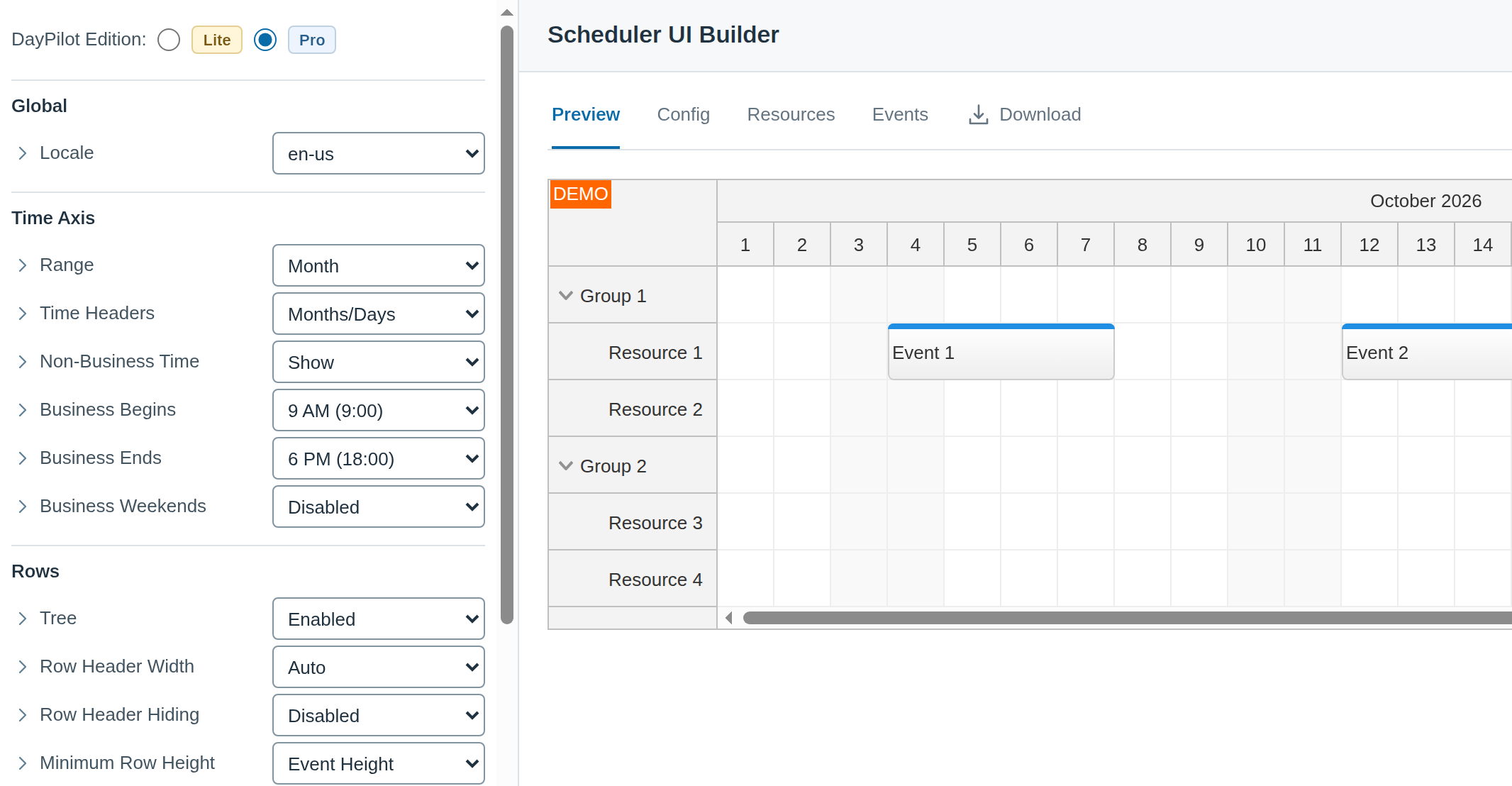
Start with a runnable JavaScript Scheduler project, or browse tutorials for calendars, resource planning and backend integration.
Style events and resources to match your application. The Theme Designer provides a visual starting point for component themes.
Ready to look closer? Browse the documentation and API reference, follow the release history, or get support.